How to Buy Bangladesh Railway Tickets Online: eticket.railway.gov.bd 2026 Step-by-Step Guide
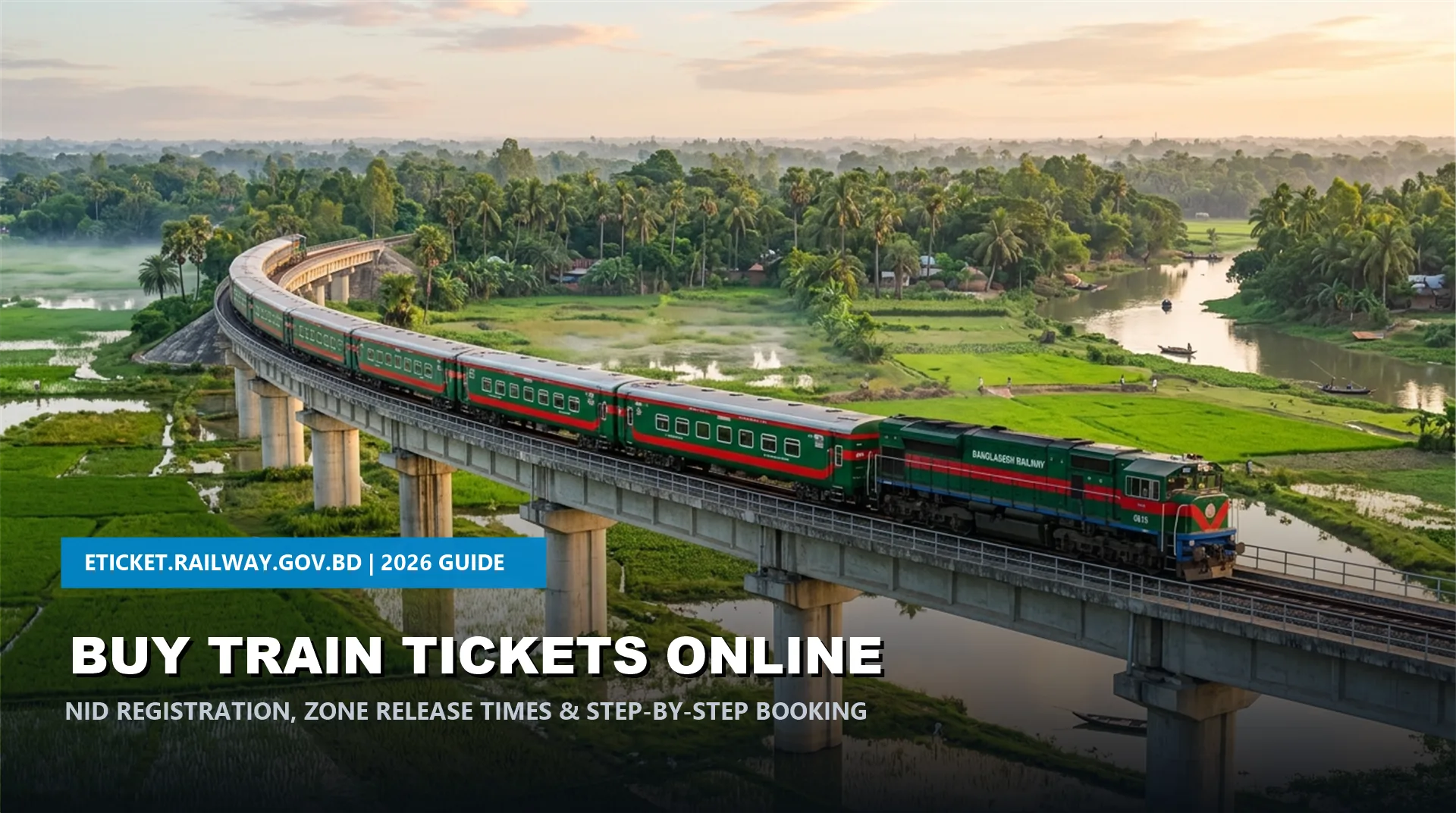
Planning your next intercity rail journey across Bangladesh and wondering how to secure your seats without standing in counter queues? Learning how to buy Bangladesh Railway tickets online in 2026 provides travelers with the most convenient, transparent, and hassle-free way to book train tickets. Through the official e-ticketing portal eticket.railway.gov.bd and the verified Rail Sheba mobile app (operated by Shohoz-Synesis-Vincen JV for Bangladesh Railway), passengers can purchase intercity tickets up to 10 days in advance using National ID (NID) verification and instant mobile financial payments.
Quick Summary: Online Ticket Booking at a Glance (2026)
Official eticket.railway.gov.bd Registration & NID Verification
Under Bangladesh Railway regulations, anonymous or unverified ticket purchases are strictly prohibited to prevent black marketing. To purchase tickets, every passenger must maintain a registered profile validated against the Election Commission National ID (NID) database.
- Navigate to the Official Portal: Open your browser and visit eticket.railway.gov.bd or launch the official Rail Sheba app.
- Click Register: On the top-right corner of the homepage, click the Register button.
- Submit Identity Credentials: Enter your 10-digit Smart NID or 17-digit NID number, Date of Birth (exactly matching your official NID), and an active Bangladeshi mobile number. Passengers aged 12 to 18 years may register using their 17-digit online Birth Registration Certificate (BRN). Foreign citizens can register using their valid Passport credentials.
- Real-Time Verification: The portal automatically cross-checks your credentials with the central database. Once validated, you will receive a 6-digit OTP (One-Time Password) via SMS.
- Set Secure Password: Enter the OTP and establish a strong password to activate your personal account.
Bangladesh Railway Online Ticket Release Times (Western vs Eastern Zones)
A crucial secret to booking high-demand intercity train tickets (such as the Dhaka to Cox’s Bazar train schedule or Dhaka to Chittagong train schedule) is knowing the exact daily ticket release timings. Tickets become available online exactly 10 days prior to the journey date at two distinct daily time slots:
| Railway Zone | Daily Online Release Time | Key Operational Destinations Covered |
|---|---|---|
| Western Zone (পশ্চিমাঞ্চল) | 08:00 AM | Rajshahi, Khulna, Rangpur, Benapole, Kushtia, Pabna, Panchagarh, Dinajpur, Sirajganj |
| Eastern Zone (পূর্বাঞ্চল) | 02:00 PM | Chattogram, Cox’s Bazar, Sylhet, Mymensingh, Kishoreganj, Netrokona, Noakhali, Cumilla |
Step-by-Step Instructions on How to Buy Bangladesh Railway Tickets Online
Once registered, booking your journey takes less than 3 minutes. Follow this step-by-step procedure:
- Log In to Your Profile: Enter your registered mobile number and password on eticket.railway.gov.bd.
- Input Travel Details: In the search box, select your departure station (e.g., Dhaka Kamalapur, Dhaka Biman Bandar), destination station (e.g., Cox’s Bazar, Chittagong, Sylhet, Khulna, Bhanga), travel date, and desired coach class (Shovon Chair, Snigdha, AC Seat, or AC Berth).
- Select Train & Coach: Review the available trains. Click Book Now next to your preferred intercity service, and pick your designated coach and seat numbers from the visual seat layout diagram.
- Verify Passenger Info: The primary traveler’s name is automatically populated from your verified NID profile. Each account can purchase a maximum of 4 tickets per transaction. For accompanying co-passengers, enter their names and age details.
- Choose Payment Method: Complete the transaction using mobile banking (bKash, Nagad, Rocket, Upay) or bank cards (Visa, Mastercard, Nexus). A standard Shohoz online reservation fee of ৳20 per ticket is added to the official fare.
- Download E-Ticket: Upon successful payment, your digital E-Ticket PDF will be instantly displayed. A confirmation SMS with your PNR (Passenger Name Record) is sent to your mobile phone.
E-Ticket PDF Download & Traveling Boarding Rules (2026)
Under modern digital railway rules, travelers are no longer required to print physical counter tickets. Simply keep the digital E-Ticket PDF saved on your smartphone. When the Travelling Ticket Examiner (TTE) inspects coaches, present the PDF on your screen along with your original National ID (NID) card or photocopied ID. The name on the ticket must match the physical ID of the passenger to avoid traveling-without-ticket fines.
Troubleshooting Common eticket.railway.gov.bd Errors
If money is debited from bKash/Nagad but server timeout prevented ticket generation, do not panic. Shohoz automatically cross-checks gateway reconciliations. If the seat was not confirmed, the debited amount will be reversed back to your payment account within 72 hours automatically.
Each NID can only be linked to one mobile number. If you previously registered with an old SIM card, use the “Forgot Password” or account recovery option, or contact official technical support at support@eticket.railway.gov.bd.
For complex regional routes across the southern Padma Bridge corridor, check our verified guides on the Dhaka to Barishal train schedule and Dhaka to Sylhet train schedule for optimal connection windows.